Docs and databases · Standard
Docs that think like databases.
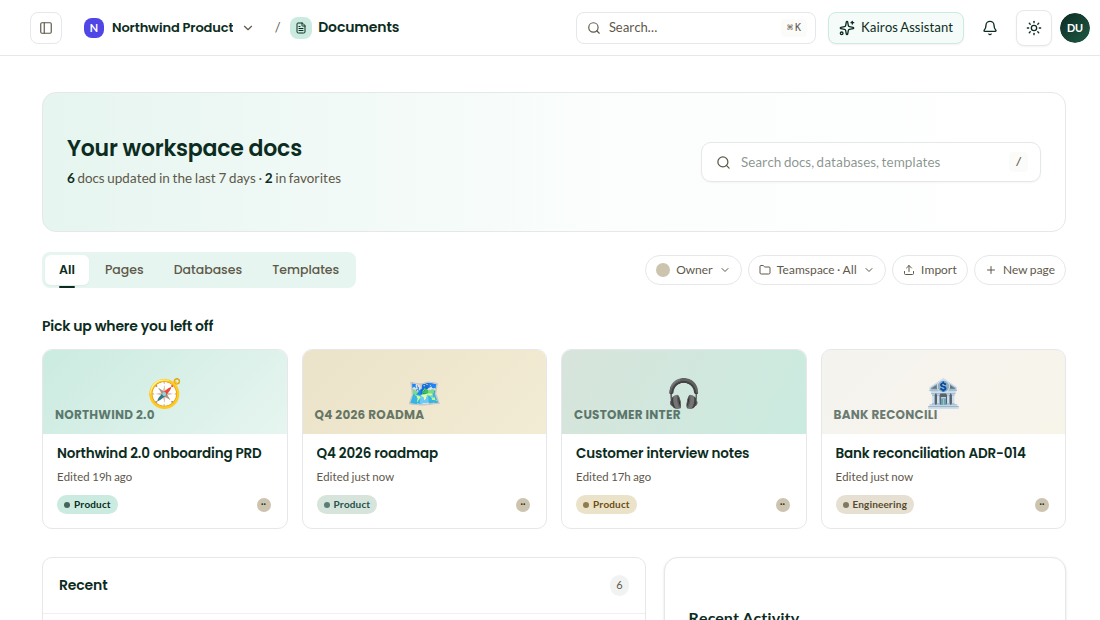
A block editor for writing, and databases with 17 property types and six views for everything that is a list. Smart Docs fill themselves from your records; Ask AI edits in place and keeps your formatting; publish a page to the web or a client portal in one click.
Ask AI · keeps your headings“Tighten the intro, keep my tone”Contextual edits, formatting preserved. Undo in one click.
Imported from Google DriveCustomer interview notes.docxConverted to a page · 2 min ago
17 property typestextnumberselectdatepersonrelationrollupformulafiles+8
Databases
Six views on the same rows.
Table, board, list, gallery, calendar and timeline. Relations and rollups link a milestone to its tasks, a customer to its invoices. Linked-record blocks drop any row into any page.
- Text, number, checkbox, date, select, multi-select, url, email, phone, formula, rollup, relation, person, files, created and edited time
- Filters, sorts and groups saved per view
- Rows open as pages, pages embed databases
Smart Docs and AI
Write beautifully, with help that keeps your voice.
Select a paragraph and rewrite, shorten or strengthen it. Point the assistant at files or other pages and get a report. Charts, tables and images are generated inside the doc.
- Contextual AI edits that preserve formatting (shipped Oct 1)
- Semantic search over every page, with provenance
- Template gallery and Smart Docs that pull from your records
Read files, build pages3 PDFs → 1 structured pageUpload PDFs, spreadsheets or docx. The content becomes headings, tables and callouts you can edit.
Generate reports across pagesExecutive summary · Q3Select pages or files; the assistant writes sections, callouts and data highlights with citations.
Draw, chart and visualiseBar chart · revenue by month
TranslateNL ⇄ EN, side by sideWhole documents or a selection, 40+ languages, original kept next to the translation.
Share
Publish to the web, or to a client.
Public publishing with your branding, share links with view, comment, edit or admin levels, permission groups per teamspace. Organization spaces hold what every team should see.
Questions
Can I import from Notion or Google Drive?+
Google Drive files import through the Google Picker and convert to pages. Markdown and docx import are supported; a Notion importer is on the roadmap.
Is there a limit on databases?+
No. Standard includes 10 GB of file storage; database rows do not count against it.
Who can see a published page?+
Only what you publish. Published pages are read-only snapshots under your workspace domain, with branding and an unpublish button.
Set up your workspace in ten minutes.
Invite the team, import what you have, and turn on only the modules you need.