Solutions · Small business
Grow without chaos.
For teams of 2 to 20 that run on tasks, a shared inbox, a few forms and a customer list. Everything in one place, no per-tool pricing, and bookkeeping that lives next to the work when you add Finance.
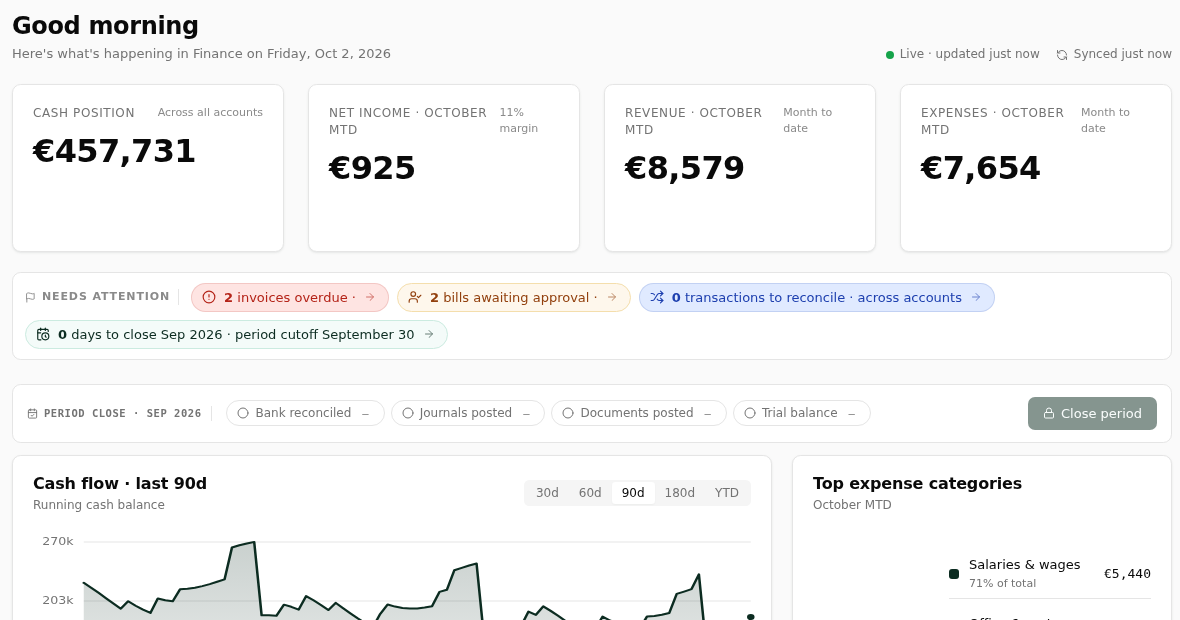
Needs attention● 2 invoices overdue● 2 bills awaiting approval● 0 transactions to reconcile
What usually goes wrong
Invisible workRequests arrive by WhatsApp, mail and phone. Half of them never become a task; the other half has no owner.
Growing painsThe spreadsheet that ran the company at five people breaks at twelve. Nobody wants to pay for six tools.
Lost tribal knowledgeHow we onboard a customer lives in one person's head. When they are on holiday, it stops.
Turned intoTask · Quote 40 units for KroonOwner Sanne · due Tue · linked to the thread
One inbox
Every request becomes a task with an owner.
Mail, WhatsApp and Telegram threads land in the same inbox as chat. Turn a message into a task in one click; the assistant drafts the reply and waits for you.
- Connected mailbox with AI drafting and translation
- Forms for intake, quotes and bookings
- CRM with people, companies and a simple pipeline
Bookkeeping
Invoices, bills and the bank, reconciled next to the work.
Send invoices and estimates, read bills with OCR, connect the bank via Tink, and let open items match themselves. Reports your accountant recognises, with every line opening its journal entry.
- Time and expense billing from tasks
- Ledger AI posting proposals you approve
- Period close and budgets
High-confidence match · 97%INV-2026-047 · Aurora LogisticsMatchShow alternatives
TriggerDeal won
ActionCreate onboarding tasks
AIDraft welcome mail
HumanYou approve
Playbooks
Write the process once; let a flow run it.
Docs hold how you onboard a customer; a flow runs it: create the tasks, send the welcome mail, schedule the kick-off, and ask you only when something is unusual.
- Templates for the recurring work
- Automations in Ultimate when you are ready
- Nothing sends without your approval
Questions
Do we need Ultimate?+
Not to start. Standard covers tasks, chat, docs, forms and the CRM. Ultimate adds automations and the agents when the recurring work is worth automating.
Can our accountant log in?+
Guest access to Finance with the reports, without seats on the rest of the workspace, is coming soon.
Run the business from one place.
Invite the team, import what you have, and turn on only the modules you need.