Solutions · Recruitment agencies · add-on €100 per seat
AI that screens candidates for you. Recruiters stay in charge.
Sourcing scattered across five sites, twenty-minute intakes, forgotten candidates and a different ATS per client. Recruitment on Klarora runs sourcing, screening and shortlists as agents with a human gate, inside the same workspace as your goals, docs and chat.
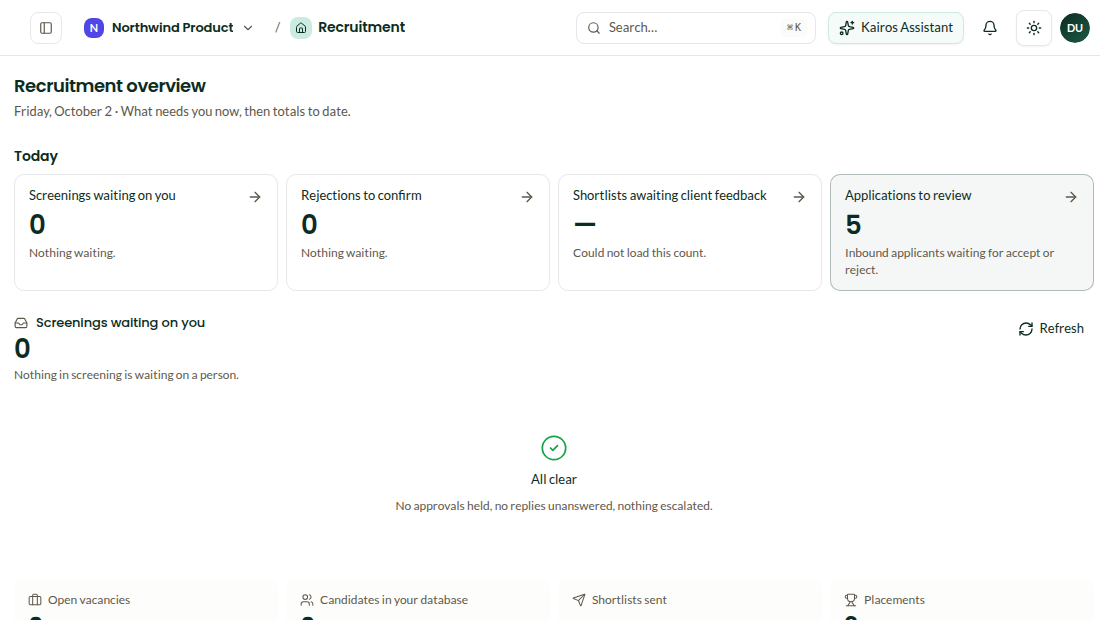
Screening agentM. Jansen · score 86Reply drafted; waiting for you.
TodayNeeds approval 3 · Agent failing 1 · Waiting on a CV 5
What usually goes wrong
The 20-minute intake taxTwenty minutes to collect the basics from a single candidate, by phone, then typed into the ATS.
Sourcing scattered everywhereFive job boards and LinkedIn to source from, most of it copy-paste into a spreadsheet.
The forgotten candidateA great profile from March re-emerges as the right fit for a role nobody contacts them about.
CV document · M. Jansen · updated by screeningAvailability1 month notice · hybrid preferred (2 days Amsterdam)Salary expectation€85–90k · confirmed Oct 1StackGo, Kubernetes, Postgres · 6 years6 of 8 questions answered · score 86
Screening
The conversation writes into the candidate's CV document.
Screening runs over LinkedIn or email on your questions and guidance. Answers are scored and written into the CV document; anything outside the guidance is drafted for a recruiter to approve.
- Templates per vacancy, guidance per client
- Consent logged, every message kept
- Escalation to a recruiter when unsure
Every client wants a different ATS
A candidate becomes a task in your project.
Vacancies are goals with key results; each candidate in the pipeline is a task with its stage. Shortlists go to a client portal; submissions go to Bullhorn or the client's ATS, after a dry run on the test ATS.
- Vacancy goals tracked in the OKR dashboard
- Client portal for shortlists and decisions
- ATS submission with a test ATS first
Trigger · ScheduleMonthly
ActionCandidates idle 90 days
AIMatch to open vacancies
HumanRecruiter approves outreach
Automation
Custom automations fire on every event.
Candidate added, screening finished, decision made in the portal: each is a trigger. Re-engage forgotten candidates on a schedule, chase missing CVs, notify the client, all with an Approval block where it matters.
- Re-engagement runs on a schedule
- DSAR export and erasure per candidate
- Built on the same security model as the rest of the workspace
Questions
Which ATS systems are supported?+
Bullhorn and generic ATS connectors, plus a test ATS to try submissions safely. Ask about yours.
Is this EU AI Act compliant?+
Screening is designed with consent logging, human approval and an audit trail.
Put the recruiters back in charge of the pipeline.
Invite the team, import what you have, and turn on only the modules you need.