KKlarora

One workspace for your entire team. Tasks, docs, chat, and AI — all connected.

Product

  • Features
  • Pricing
  • API
  • Docs
  • Compare
  • Changelog

Solutions

  • Engineering Teams
  • Enterprise
  • Startups
  • Agencies
  • All Use Cases

Company

  • About Us
  • Careers
  • Blog
  • FAQ
  • Support
  • Contact
  • Status ↗

Legal

  • Privacy Policy
  • Google User Data
  • Terms of Service
  • Security
  • Trust ↗
  • Subprocessors
  • DPA
  • Cookie policy
© 2026 Kairos Connect B.V. All rights reserved.
KKlarora
Products
Core features
FoFeatures overviewSee every module at a glancePrTasks and projectsBoard, calendar, Gantt, sprintsGoGoals and OKRsKey results, check-ins, stakeholdersChTeam chat and mailEnd-to-end encrypted, with a connected mailboxDoDocs and databasesBlock editor, 17 property types, six viewsWbWhiteboardsPrompt-to-diagram, real-time canvasFmFormsBuilder, templates, records that trigger flowsCrCRMPeople, companies, pipeline, outreach inbox
AI and add-ons
AiAssistantSkills, memory, bounds, undoAgAgents and automationsDescribe a flow, approve the work · UltimateDrDeep ResearchPlan → Research → Write → Polish · add-onFiFinanceInvoicing, ledger, bank reconciliation · add-onReRecruitmentSourcing, screening, shortlists, ATS · add-on
View all products
Platform
iOMobile appsiOS and AndroidDkDesktop appsmacOS, Windows, Linux
Solutions
StFor startupsScale fast without the tool taxSbFor small businessGrow without chaosEnFor enterpriseSecurity meets simplicityRtFor remote teamsStay aligned across time zonesEgFor engineering teamsSpecs, sprints and an autofix loopAgFor agenciesA workspace per client, hours into invoicesRaRecruitment agenciesAI that screens candidates for youView all solutions
Pricing
Compare
vs ClickUpvs Linearvs Asanavs monday.comvs Jiravs Slackvs Notion
Blog
Book a demoLog in
Start free

Solutions · Remote teams

Stay aligned across time zones.

Async-first chat with threads and summaries, goals and docs everyone can read in their morning, calls and screen share when a conversation needs them, and native apps so nobody is tied to a browser tab.

Start for free See pricingStandard: €0 · video and screen share in Ultimate
Calendar · team hours
AmsterdamLisbonTorontoJakarta
06:00Overlap 14:00–16:00 CET · weekly sync proposed Tue 14:3018:00
Async-firstStandup summary · written for you3 updates, 1 blocker (fixtures), 2 decisions. Read in 40 s.

What usually goes wrong

Timezone chaosMeetings at midnight for someone, every week. Decisions made in a call that half the team was not in.
Async anxietyDid they see it? Is it done? Status lives in people's heads and in DMs.
Onboarding black holeA new hire in another country reads Notion for a week and still does not know what matters.
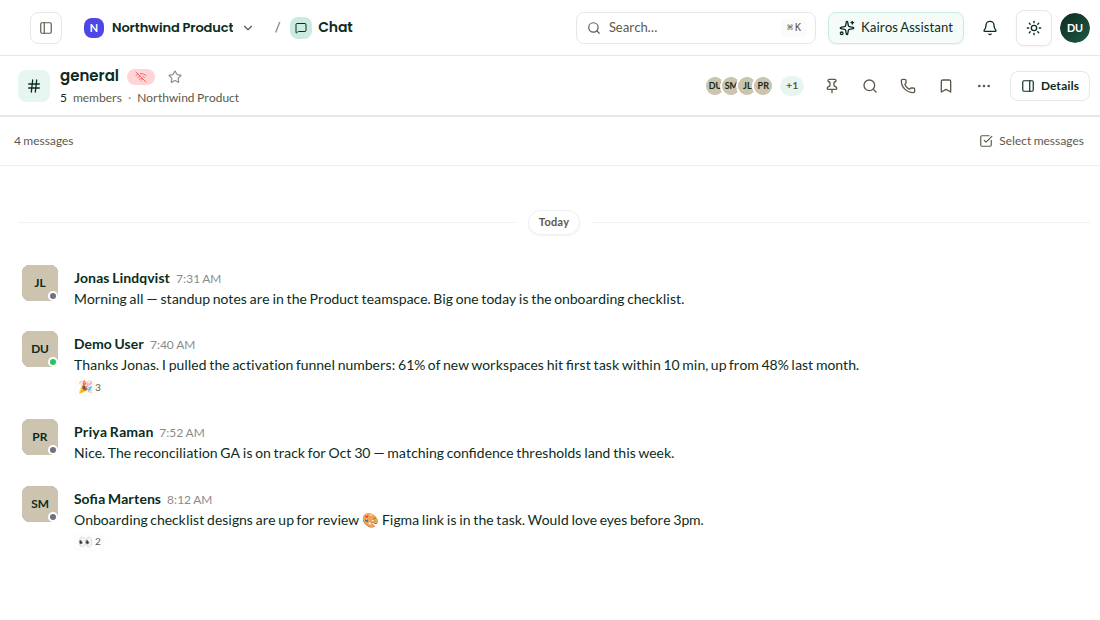
A channel thread
Summary · #product-squad · overnightActivation is at 61%. Reconciliation QA on track for Oct 30. Checklist designs need a review (Sofia).

Async-first

Threads, summaries and a plan for the day.

Threaded channels keep decisions findable. The assistant writes standup summaries and plans each person's day from their own tasks, mail and calendar, in their time zone.

  • End-to-end encrypted chat, read receipts, mentions
  • Automated standup summaries
  • Plan my day per person, per time zone
See chat and mail

Shared context

Goals and docs that are the source of truth.

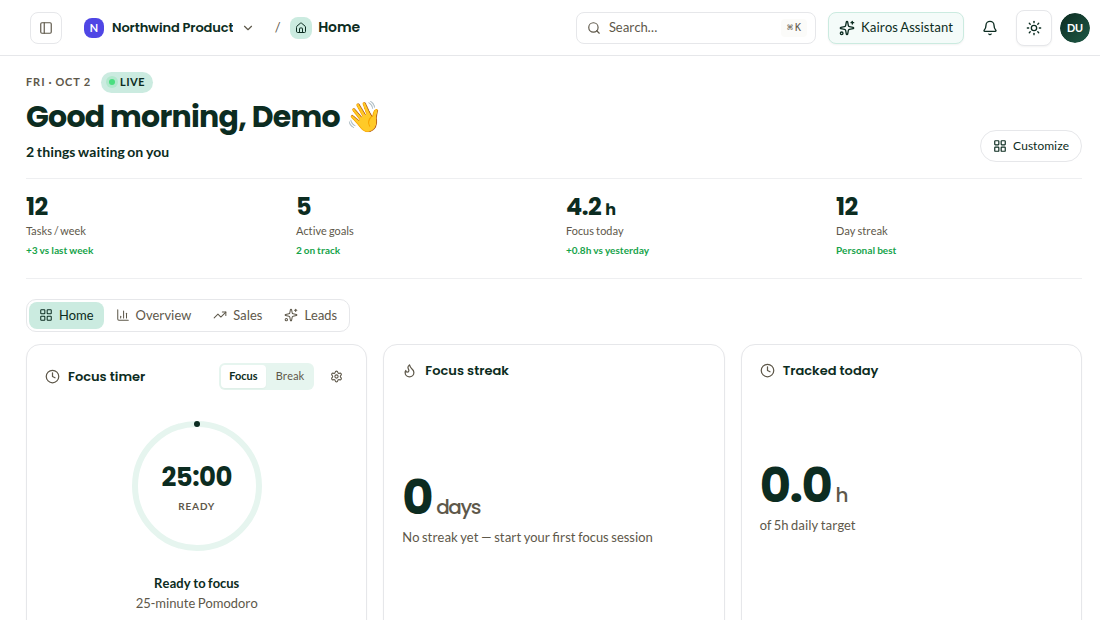
Weekly check-ins on goals, specs beside the tasks, a wiki that is searched by the same assistant that answers questions. A new hire reads one page: what we are doing this quarter and why.

  • Goals with check-ins and key results
  • Docs with databases and public publishing
  • Semantic search over everything
See docs
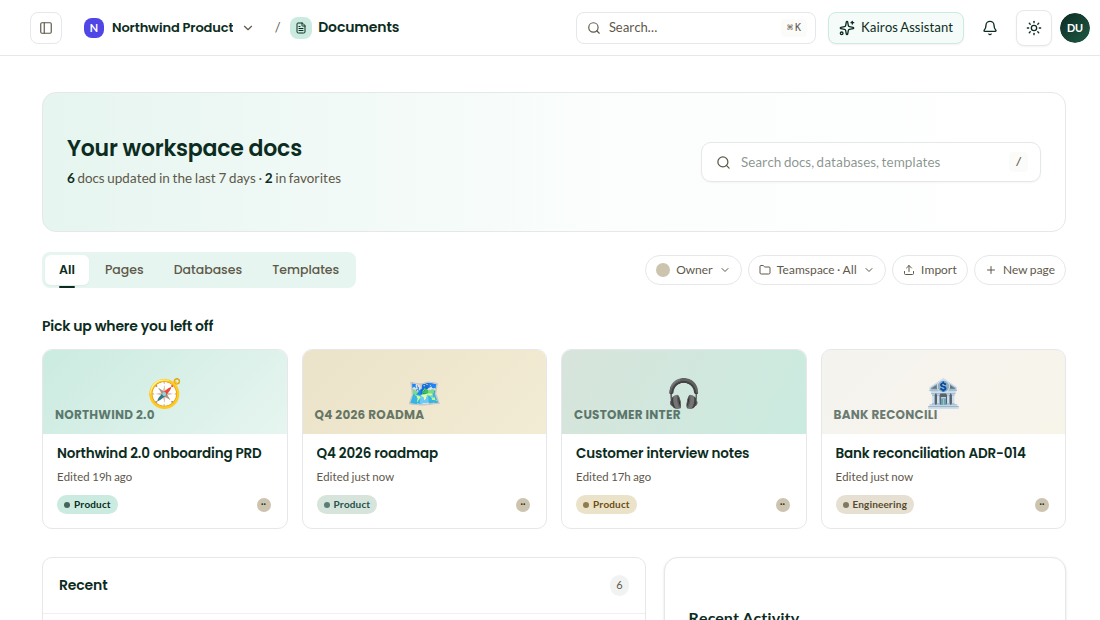
Workspace docs
OnboardingStart here · NorthwindQ4 goals · how we ship · who to ask · 12 min read
#product-squad5 · 2 online
Huddle · Sanne, JonasJoin
Checklist designs are up for review. Figma link is in the task.
Looking now. Activation funnel is at 61%.
Reconciliation QA on track for Oct 30
Klarora drafted the standup summary → #general
Message…↑
Klarora

When you do talk

Calls, screen share and apps on every device.

1:1 voice calls in Standard; HD video, huddles and screen share in Ultimate. Native desktop apps with notifications and a focus mode; iOS and Android apps with widgets and voice capture.

  • Desktop for macOS, Windows, Linux
  • Mobile for iOS and Android
  • Same encryption everywhere
See the apps

Questions

Do we need Ultimate for calls?+

1:1 voice calls are in Standard. Video, huddles and screen share are in Ultimate.

Is chat history available on a new device?+

Yes, after you enter your recovery phrase; keys are never stored by us.

Give the whole team the same morning.

Invite the team, import what you have, and turn on only the modules you need.

Start for freeBook a demo